Features
Unicadr is one catalog of everything you have and a set of tools that work on it. Here is each of them, with what it does and what it will never do without asking.
- Browse
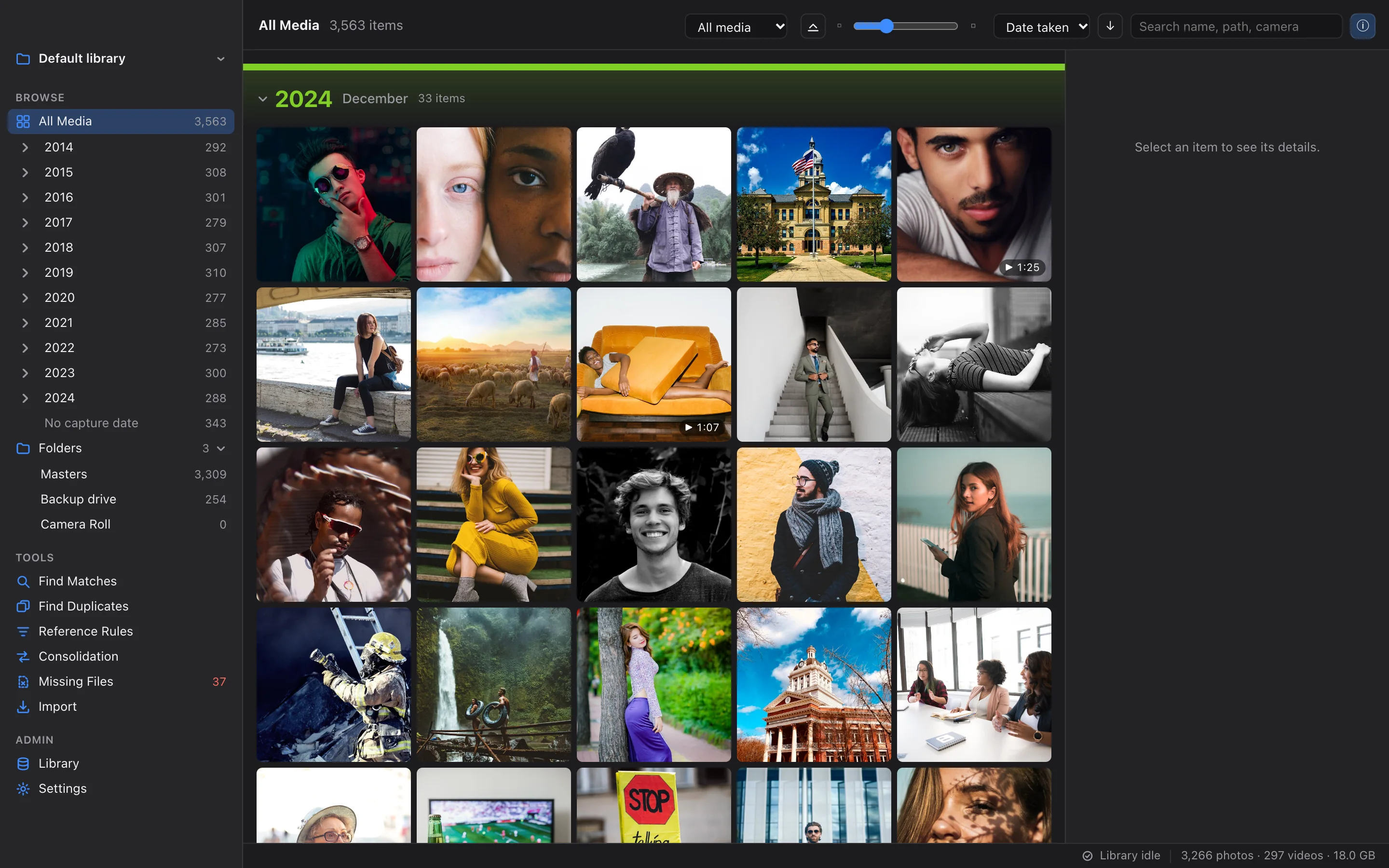
Catalog & Browse
One library for every folder, drive and cloud you keep photos in.
Add folders from your Mac, external drives and synced cloud folders. Unicadr reads their metadata and builds one fast, searchable library.
Organised by capture dateSearch, filter and sortEvery detail in the inspectorIncremental scans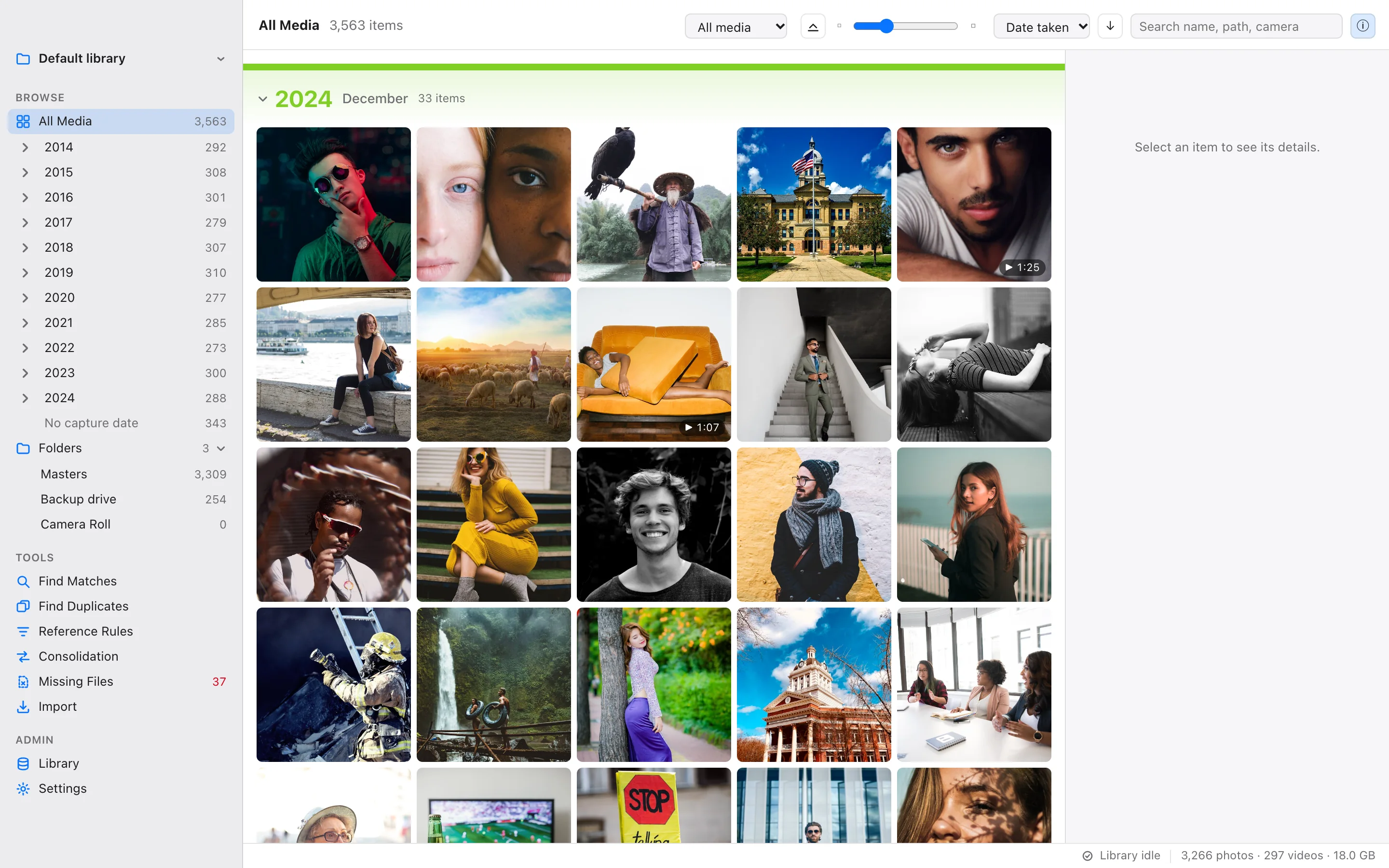
- Tools
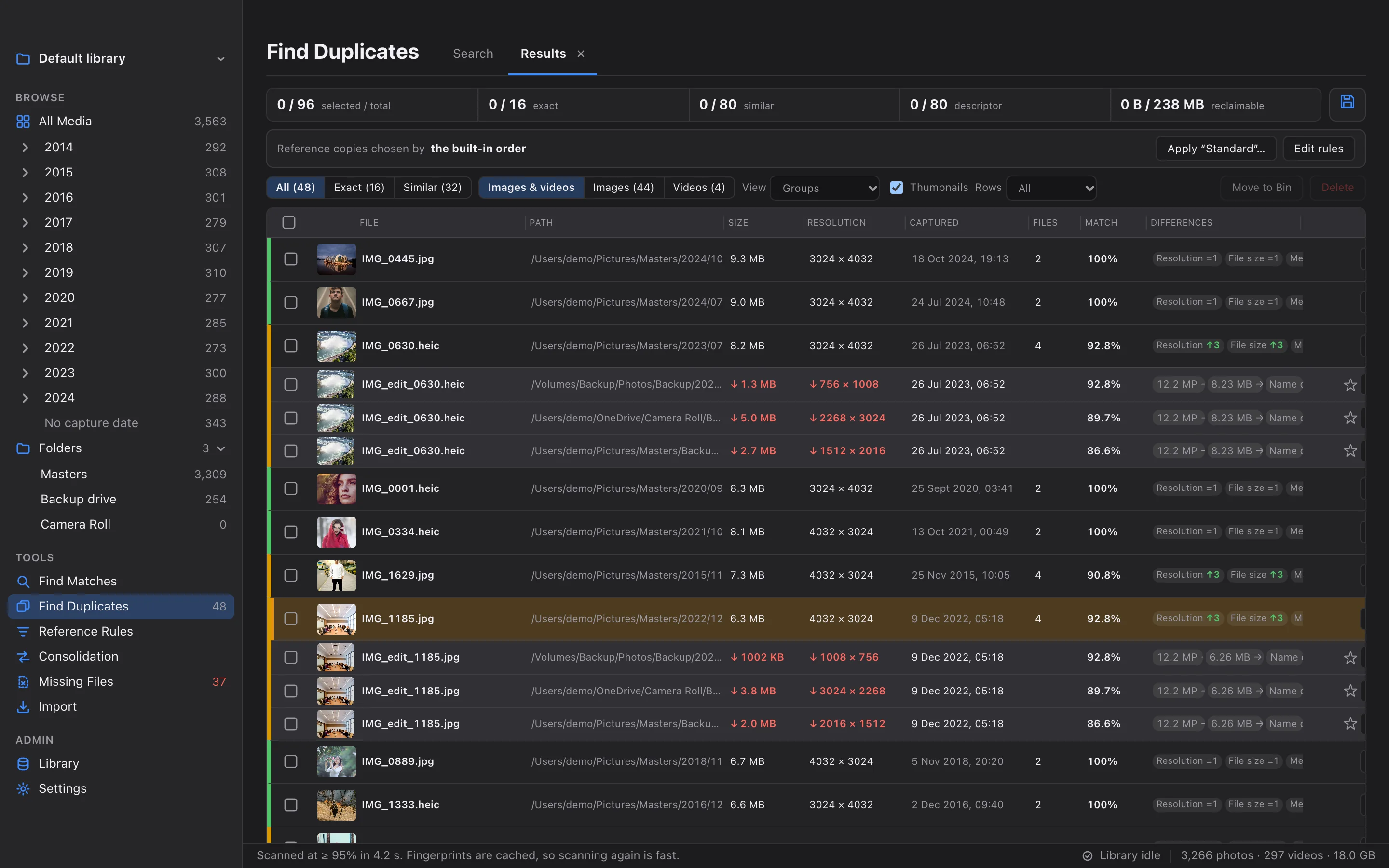
Find Duplicates
Find every copy, not only the identical ones.
Search the whole library or one folder for exact copies, resized and re-saved versions, edits and mirrored images, grouped with the copy worth keeping first.
Three stages of matchingMore than exact copiesChoose the sensitivityCompare side by side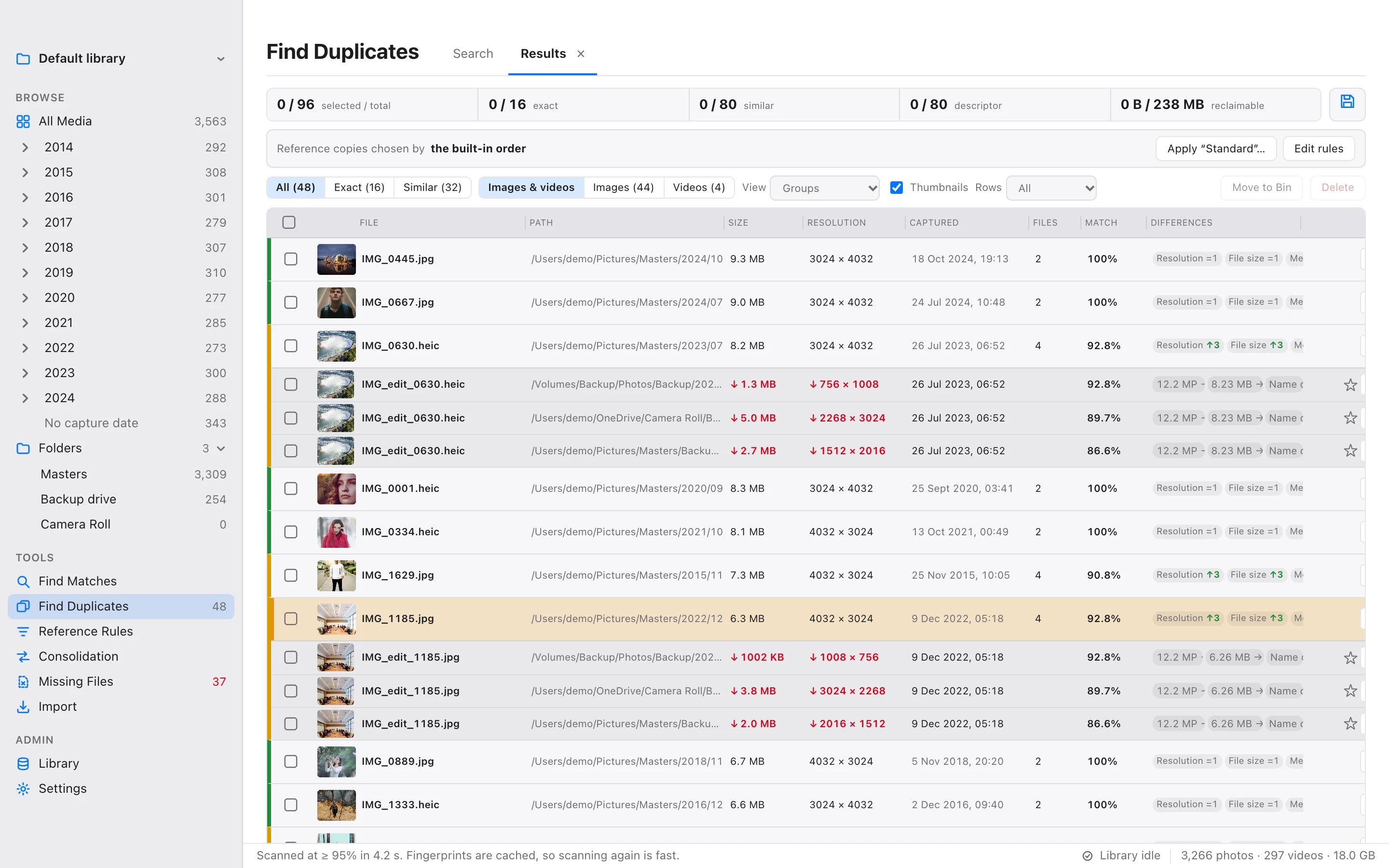
- Tools
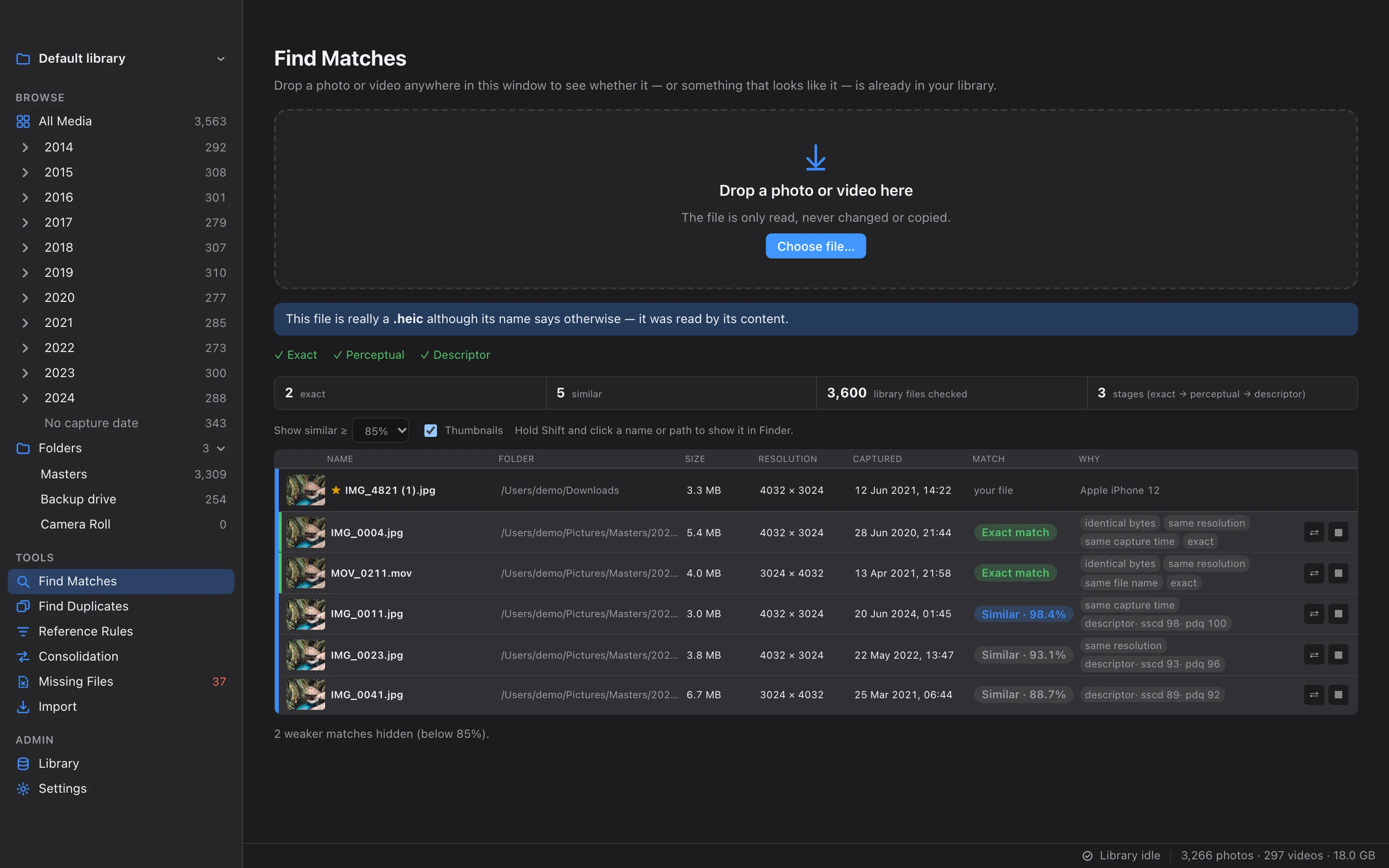
Find Matches
Is this photo already in my library?
Drop any photo or video on the window to see whether it, or something that looks like it, is already in your library.
Exact and similarEvidence you can readReads the content, not the nameYour threshold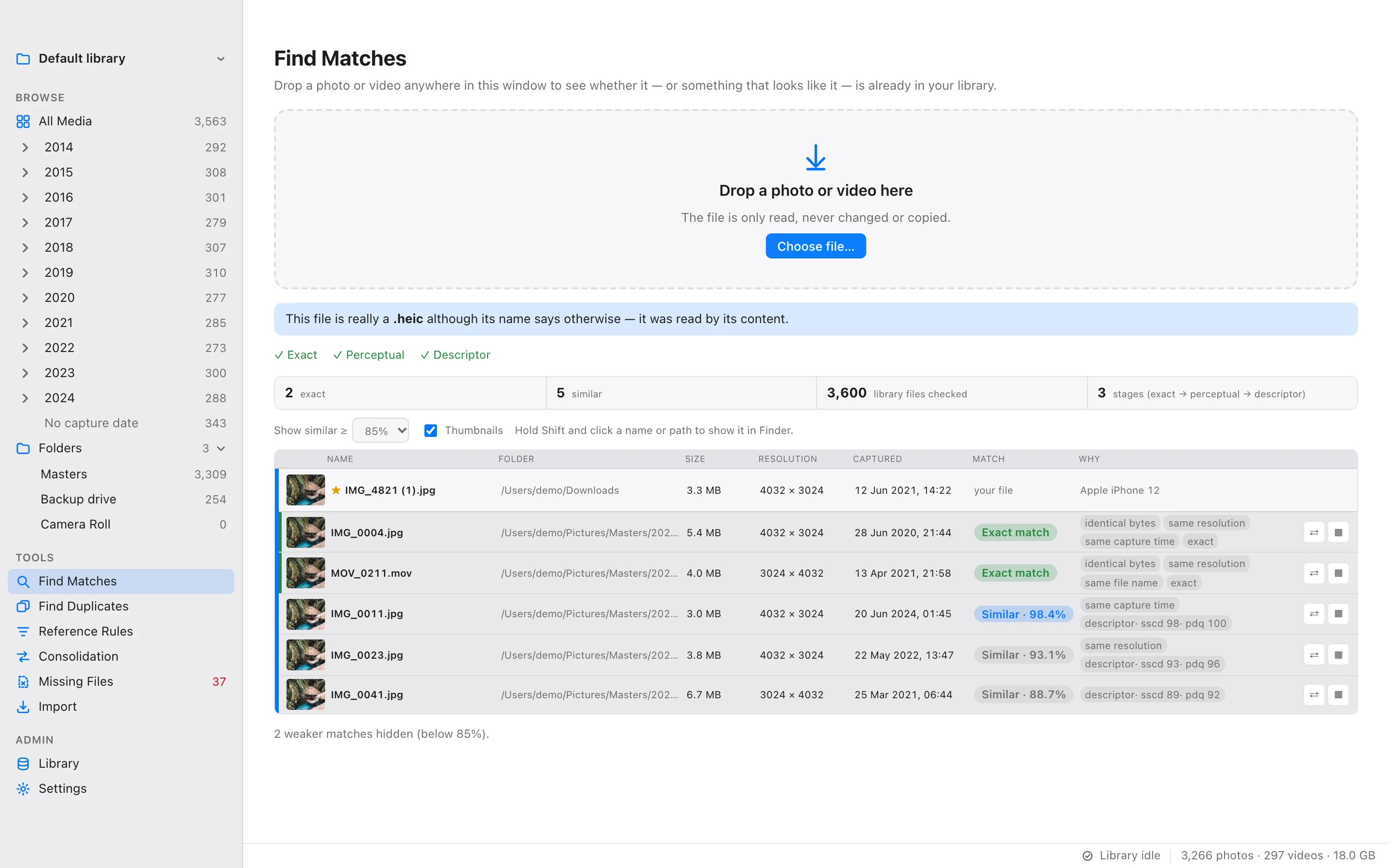
- Tools
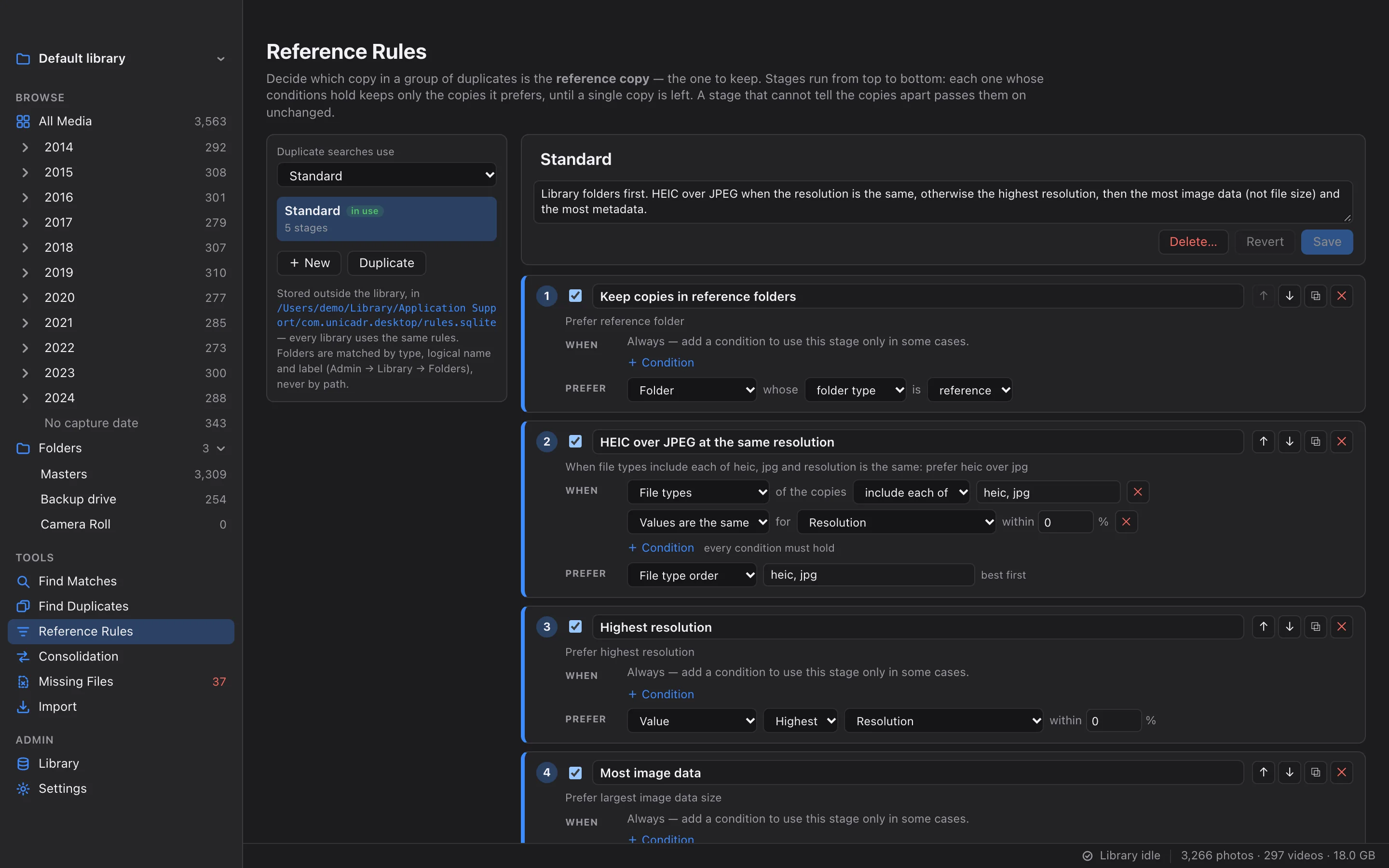
Reference Rules
Decide which copy to keep, once, in plain rules.
Describe which copy of a duplicate group should be kept, such as HEIC over JPEG or the most image data, and every duplicate search follows it.
ConditionsPreferencesImage data, not file sizePreview before applying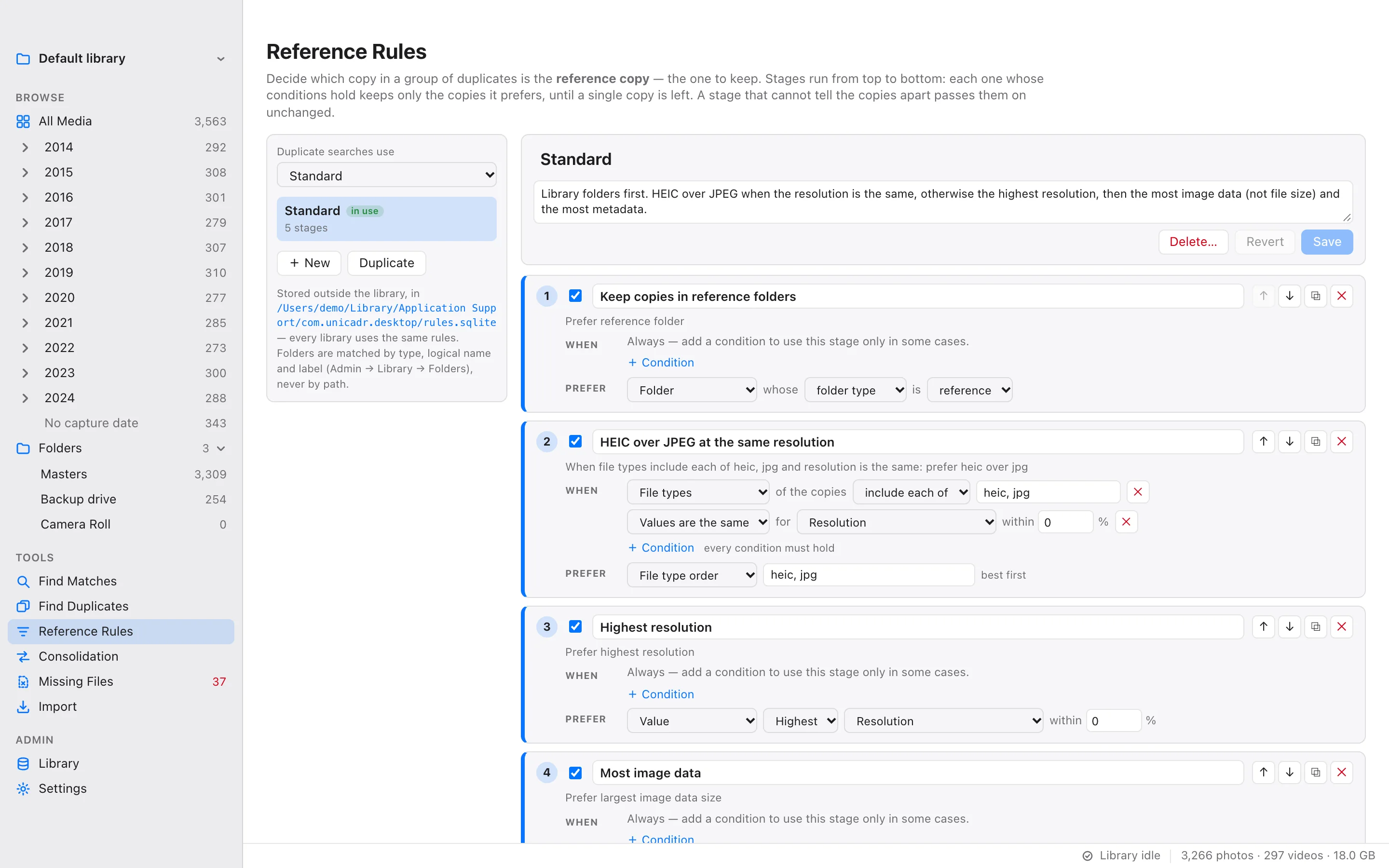
- Tools
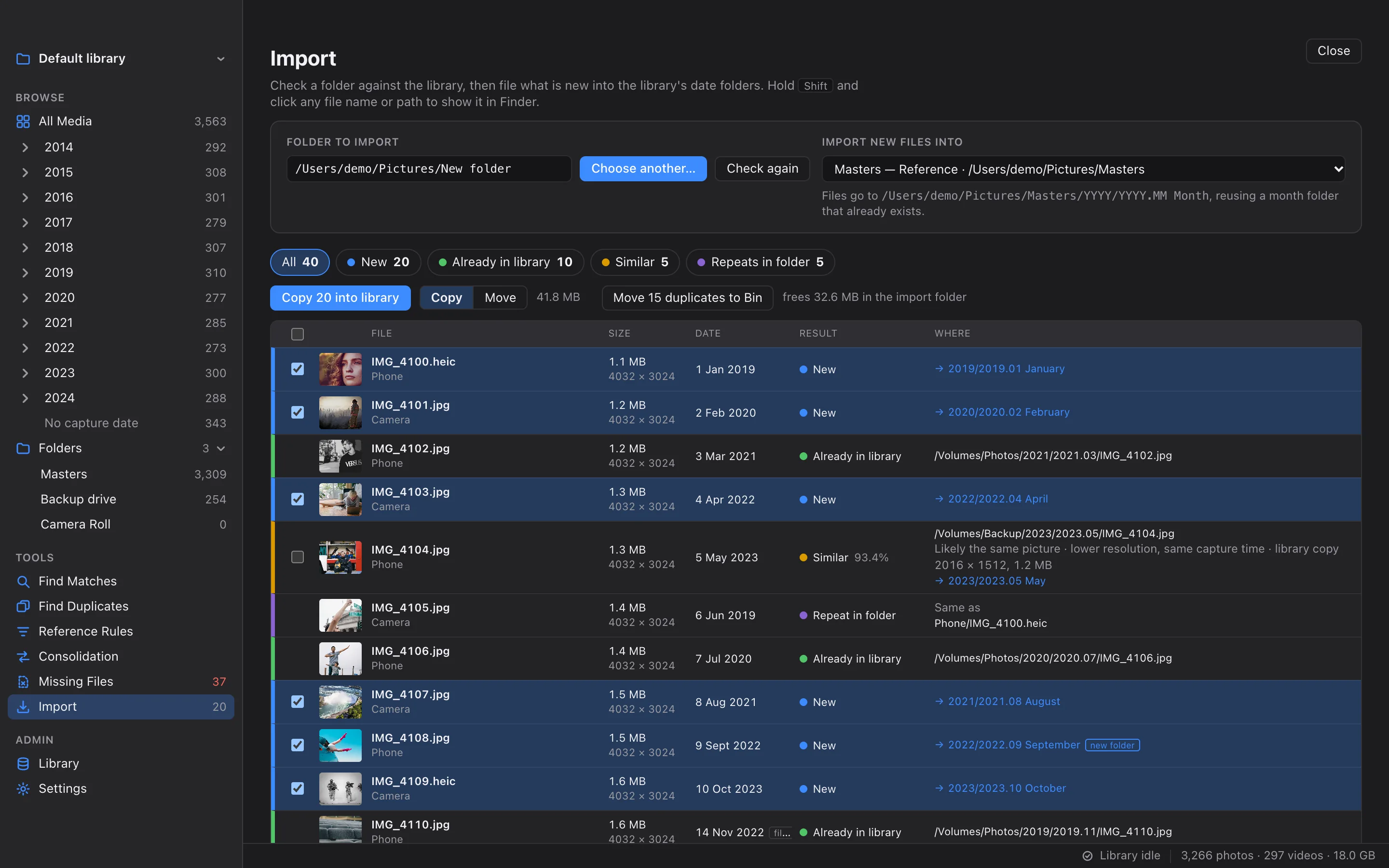
Import
Bring in only what is new.
Check a memory card or a download folder against the library, then file the new pictures into year and month folders.
Know what is newFiled by capture dateCopy or move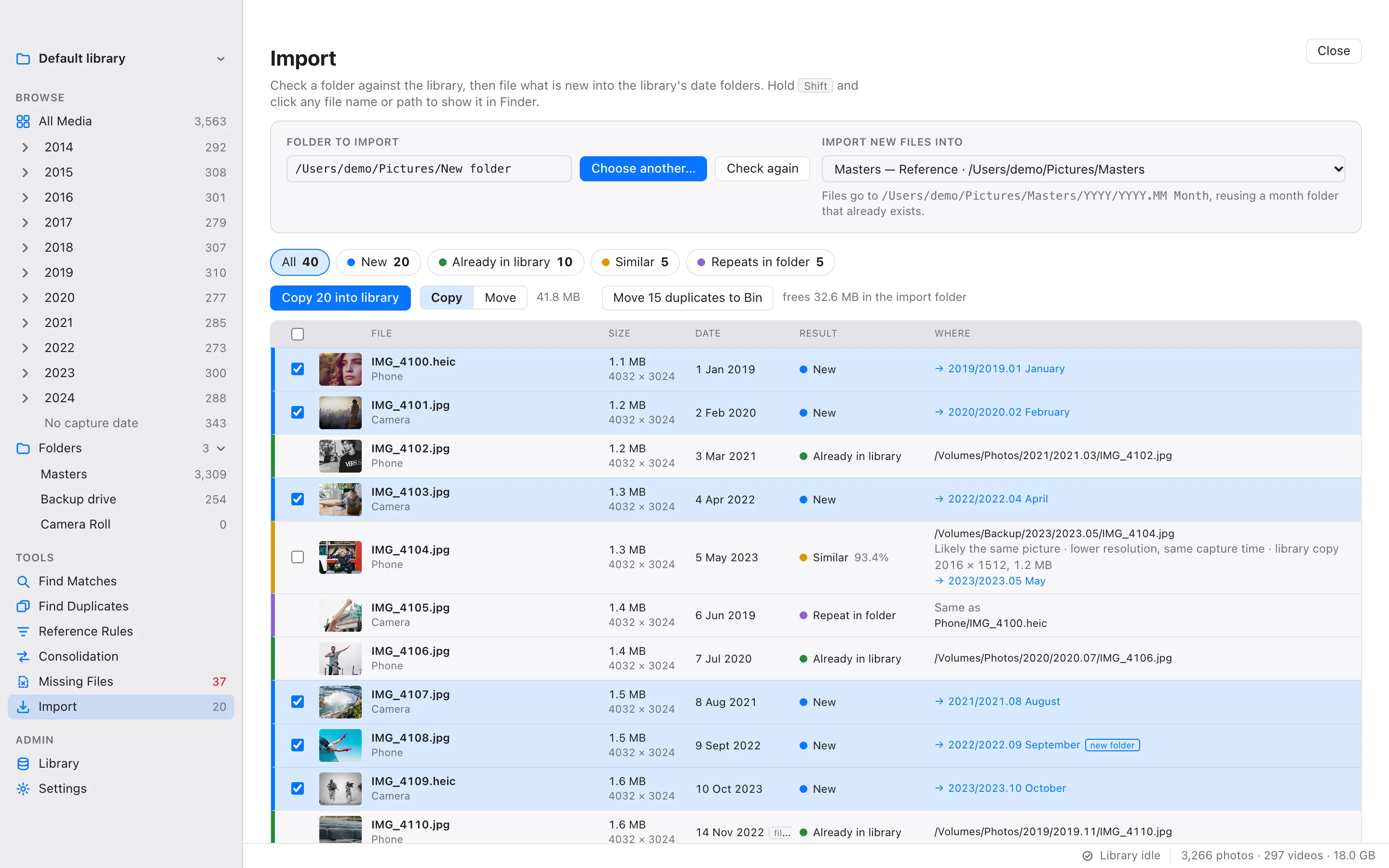
- Tools
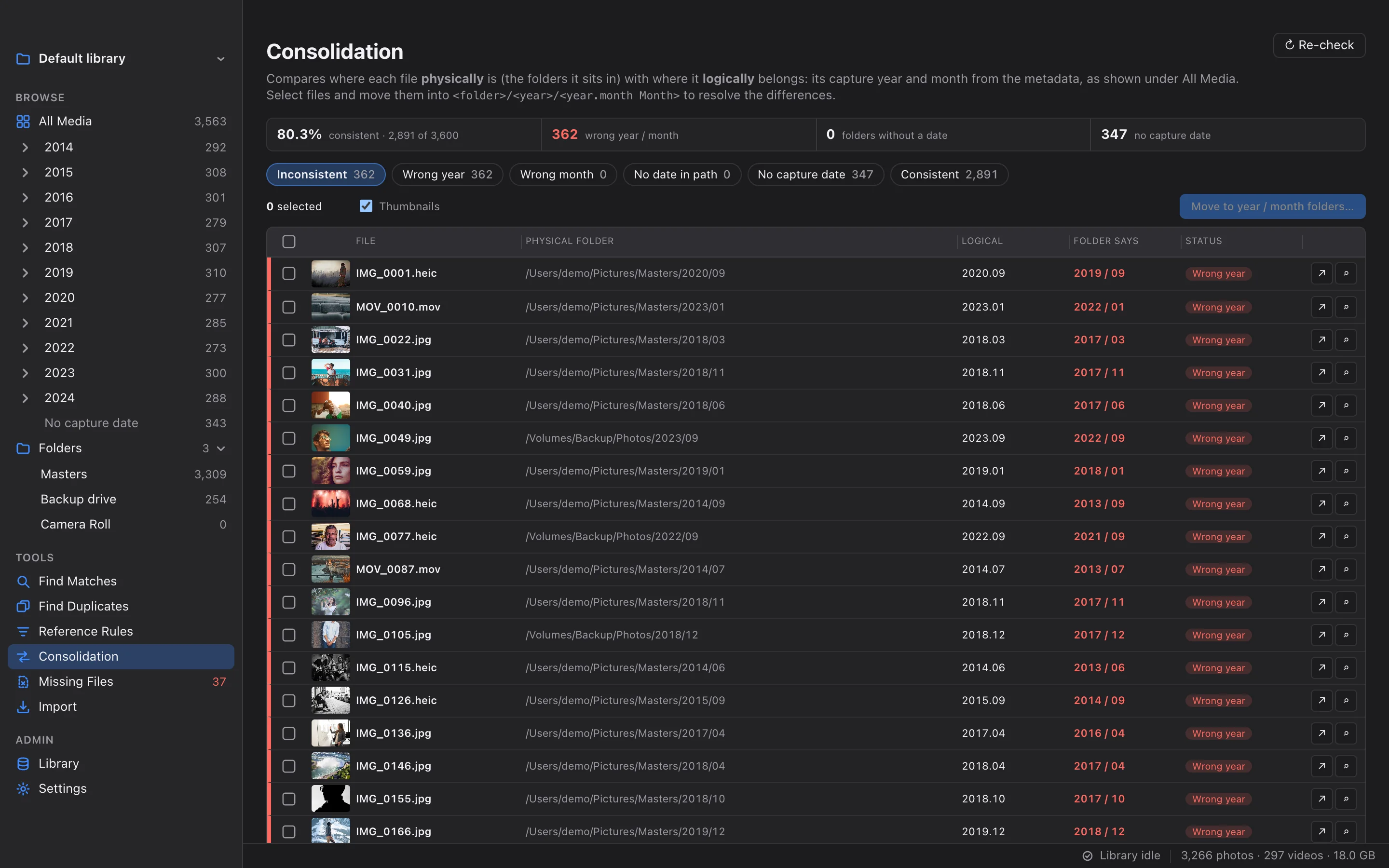
Consolidation
Put every file where its date says it belongs.
Find files whose year or month folder disagrees with their capture date, and move them to the right place.
Wrong year, wrong monthNo guessingFix it in one step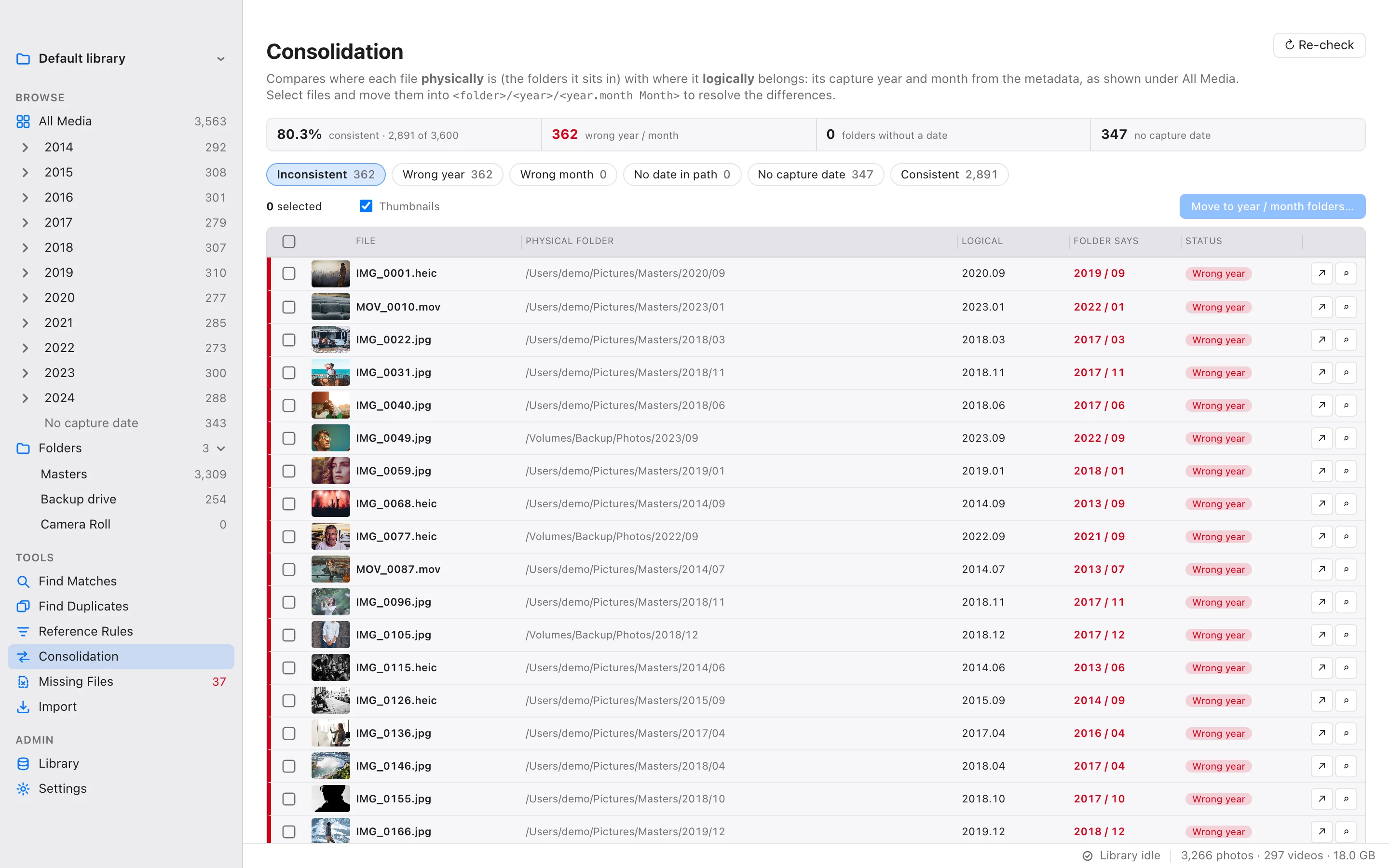
- Admin
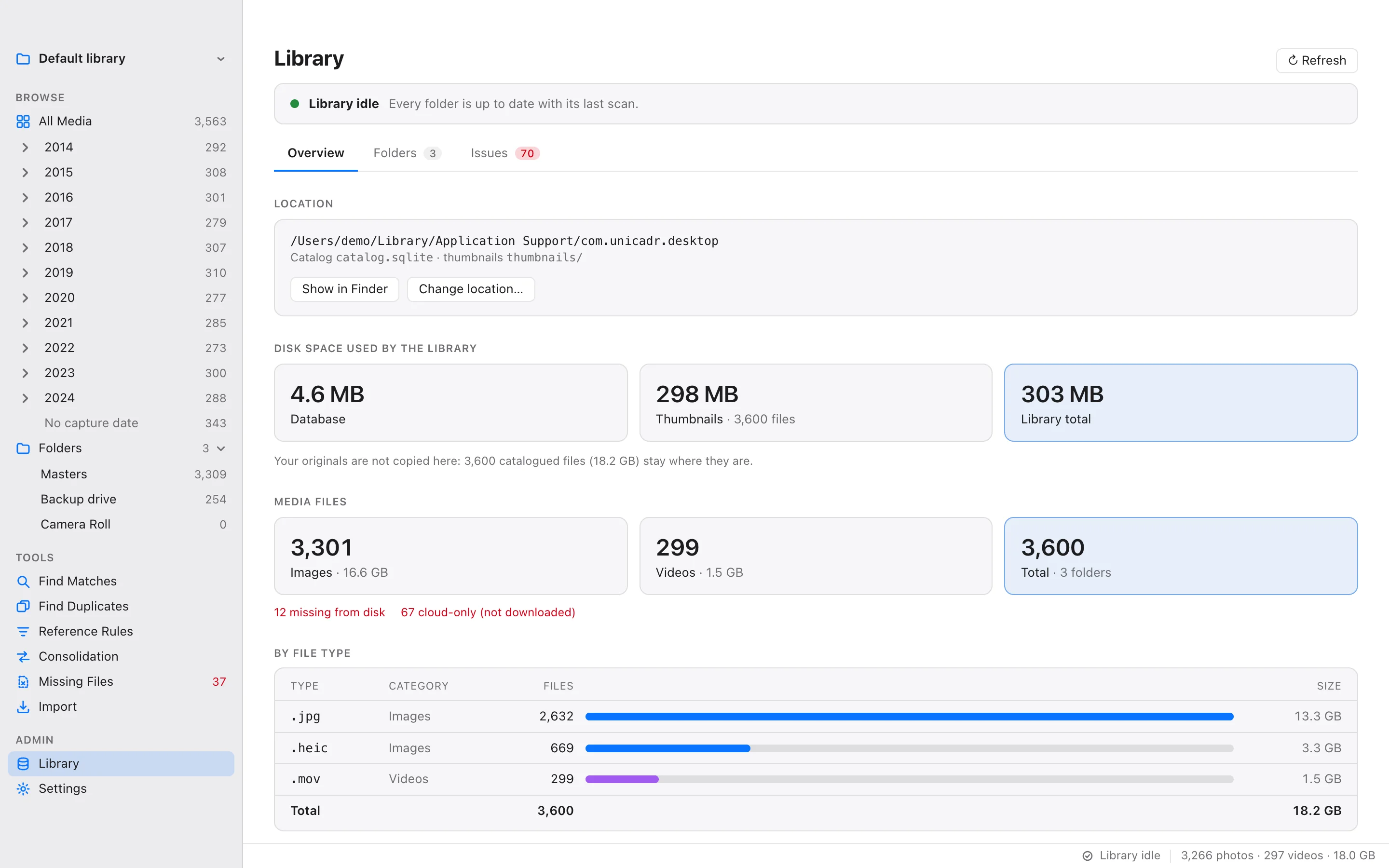
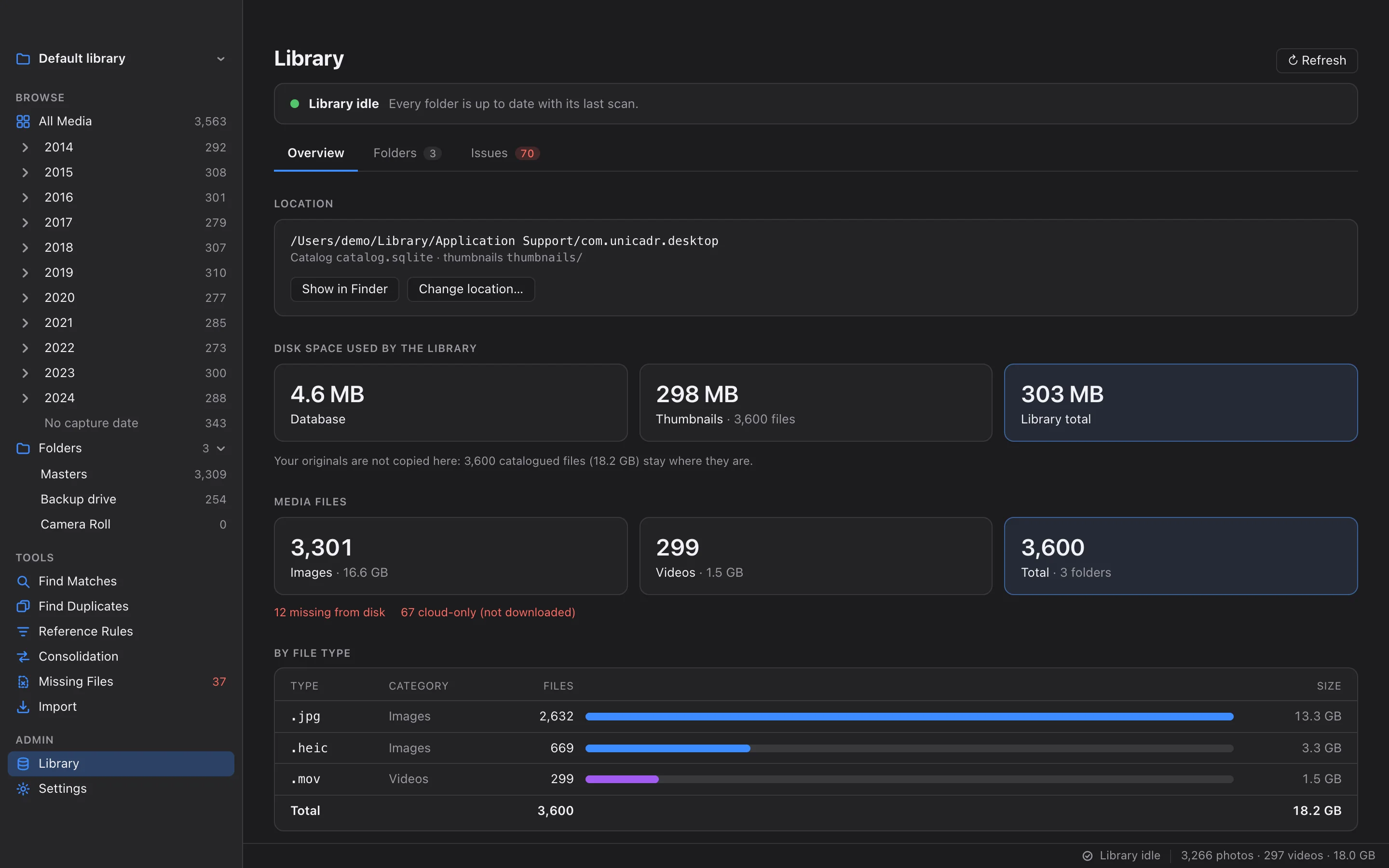
Library & Health
Know the state of your library at a glance.
Disk use, file types, fingerprint coverage, folders, files with problems and files that went missing, in one place.
FoldersIssuesMissing filesMore than one library